Article
Webinar to TikTok Clips — Turn Long Talks Into Scroll-Stopping Shorts
Find the Q&A gold, reframe landscape slides to vertical, and ship clips without re-editing the whole webinar in a desktop NLE.

Editor workflow & product
Practical guides for repurposing long video into shorts—written by the team building Short Bytes.
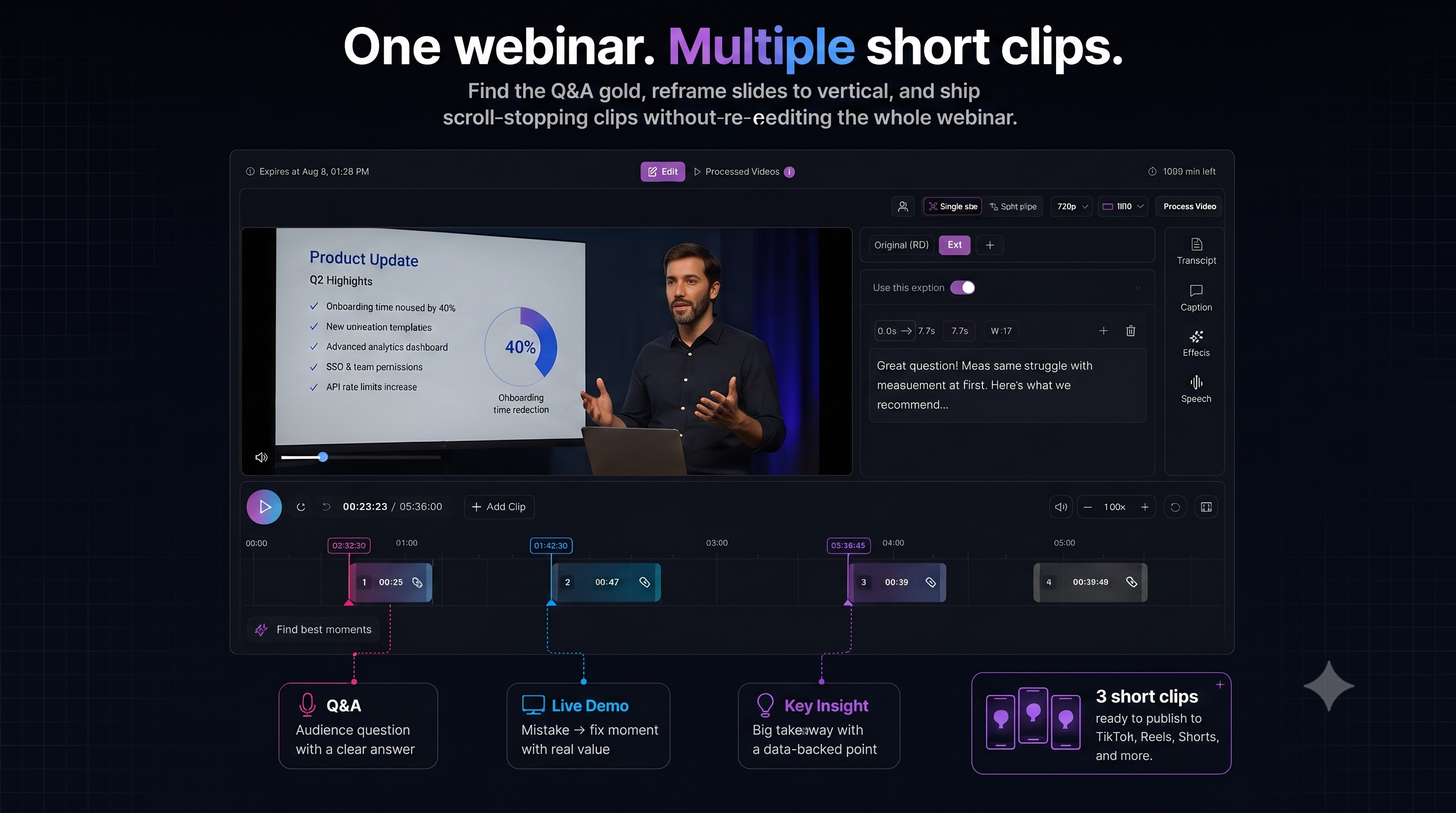
Webinars are clip mines—but most teams only post the registration replay link and stop. The usable content is usually buried in Q&A, live demos, and the 60 seconds before someone says “great question.”
Where to cut (skip the intro slide)
| Segment | Clip potential | | --- | --- | | Opening housekeeping | Low — skip unless funny | | Slide walkthrough | Medium — only if one visual is self-explanatory | | Live demo mistake + fix | High — narrative tension | | Audience question | High — hook is built in | | Panel disagreement | High — contrarian energy |
Use AI highlight ranking on the full recording, then listen to the first sentence of each suggestion. Webinar AI picks are often right on timestamp, wrong on hook.
The 4-step webinar workflow
1. Import the full recording
Upload the MP4 or pull from YouTube if the webinar was streamed there. Work from the complete file—context for Q&A answers often starts 10 seconds before the question.
2. Pull 3–5 candidate moments
Aim for one clip per strong idea, not one clip per chapter. B2B audiences reward specificity (“we cut onboarding time 40%”) over generic motivation.
3. Reframe and caption for silent scroll
Most TikTok and Reels views start muted. Captions carry the argument; use emphasis on numbers and outcomes.
4. Export or publish
Batch exports from one timeline (up to ten segments per source), publish to YouTube/TikTok/Instagram when connected, or download MP4 for LinkedIn and other channels.
B2B tone without boring clips
You do not need meme edits. You need:
- A clear stake in line one (“Most teams misconfigure X…”)
- One proof point in the middle
- A soft CTA at the end (comment keyword, link in bio, next webinar date)
Teams and client review
If marketing owns the webinar and an agency cuts clips, share the project on paid plans instead of emailing rough MP4s. The owner keeps the source; collaborators trim hooks and captions. Details: project sharing guide.
Clip your next webinar
AI suggestions plus timeline control—vertical reframe and captions in one project.
Webinar use caseAlso read: Vertical hooks guide · Short Bytes vs Klap