Article
Vertical Video Hooks That Stop the Scroll (Editable on a Timeline)
Practical hook patterns for TikTok, Reels, and Shorts—and how to fix a weak opening without re-running AI on the whole video.

Editor workflow & product
Practical guides for repurposing long video into shorts—written by the team building Short Bytes.
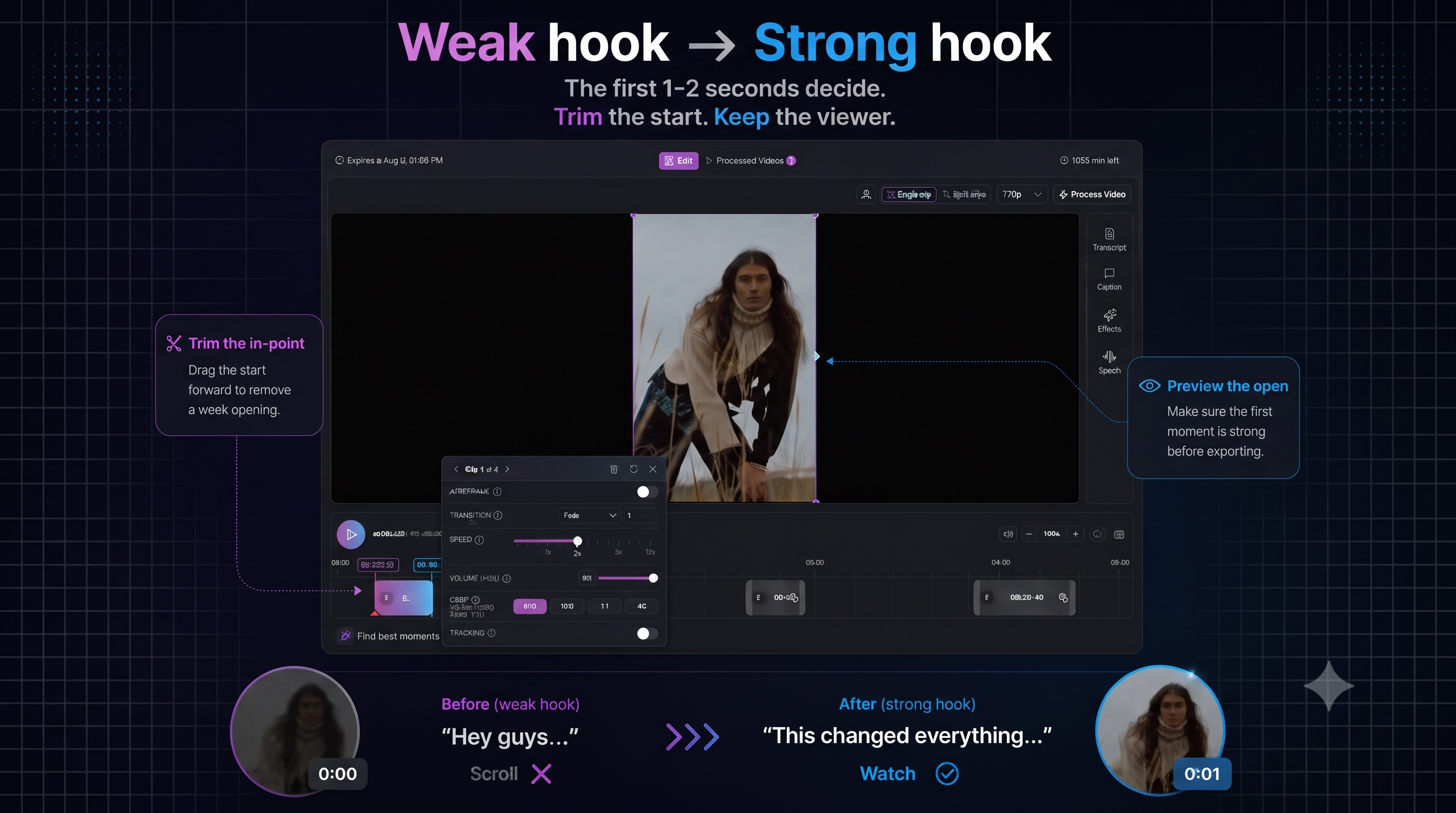
Retention is decided in the first 1–2 seconds. Not your logo. Not “hey guys.” The moment the viewer decides this is for them—or keeps scrolling.
The good news: hooks are usually a trim problem, not a reshoot. If you edit on a timeline, you can fix the opening without re-uploading the source or re-running AI on the full file.
Five hook patterns that work for repurposed long video
1. Cold open on the payoff
Start at the conclusion, then cut back: “This is why we stopped doing X…” — viewer stays to see the reasoning.
2. Question the audience already has
Pull from Q&A or comments: “Should you post every day or batch once a week?” — match search and FYP intent.
3. Contrarian one-liner
“AI clip tools are not the bottleneck—your hook is.” — works for B2B and creator education alike.
4. Number + stakes
“We lost 30% of signups in one screen.” — specificity beats hype.
5. Mid-sentence entry
Drop the throat-clearing. Begin at the verb: “…cut onboarding from two weeks to three days.”
Fix weak hooks without starting over
- Open the segment on the timeline
- Drag the in point forward until sentence one stands alone
- Add a caption emphasis on the first 3–4 words
- Preview vertical crop so the face is centered on the hook
- Export one variant before making three more
This is why editor-first tools beat pure clip generators for serious channels: AI finds candidate moments; you own the first second.
Pair hooks with captions
On vertical video, the hook is often read before it is heard. Style captions so:
- Line 1 is short (under ~6 words)
- The punch word is bold or color-accented
- Text sits in the lower third, not over the eyes
See animated captions in the editor for styling that matches export.
Batch hooks from one long video
Build multiple segments in one project—up to ten per source—different in-points on the same take, different caption styles, same reframe. Ship A/B hooks to TikTok and Reels without duplicate uploads.
Practice hooks on a real timeline
Import long video, trim openings, caption, and export—free to explore.
Get started freeRelated: YouTube → TikTok workflow · Podcast clips · AI clipping