Article
How Agencies Repurpose Client Video (Without Losing the Timeline)
A repeatable workflow for turning client long-form into Shorts, Reels, and TikTok—briefs, collaboration, and delivery that scales.

Editor workflow & product
Practical guides for repurposing long video into shorts—written by the team building Short Bytes.
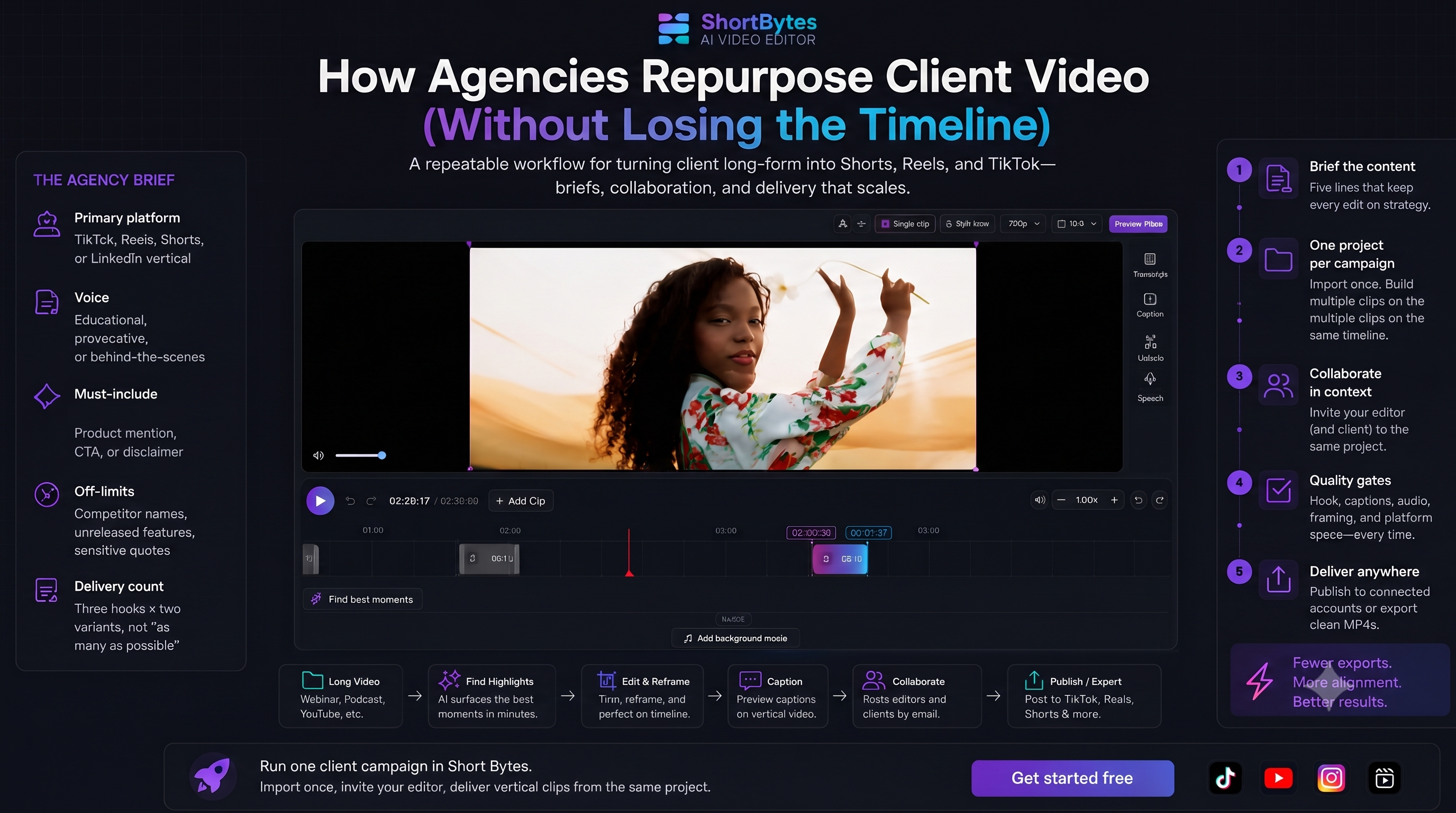
Agency repurposing fails in two predictable ways: too many exports (every revision is a new file) and too little context (a freelancer clips a webinar without knowing what the client actually sells).
The fix is not more AI clips—it is a project-based workflow where the long source, the brief, and the edit history live in one place.
The agency brief (five lines, not five pages)
Before anyone touches a timeline, capture:
- Primary platform — TikTok, Reels, Shorts, or LinkedIn vertical (export MP4—LinkedIn is not in-app publish today)
- Voice — educational, provocative, or behind-the-scenes
- Must-include — product mention, CTA, or disclaimer
- Off-limits — competitor names, unreleased features, sensitive quotes
- Delivery count — e.g. three hooks × two variants, not “as many as possible”
Paste this in your task tool or the first Slack message. Editors reference it while trimming hooks.
One project per client campaign
Import the client’s long asset once—webinar, podcast, testimonial, or YouTube upload. Build multiple segments on one timeline instead of spinning up a new project per clip.
That matters when the client says “use the same take but start at the question, not the answer.” You are adjusting in/out points, not re-uploading a 2 GB file.
Split roles with project sharing
Typical split:
- Account lead (owner) — owns the project, client relationship, final publish
- Clip editor (collaborator) — hook trims, captions, reframe nudges
- Optional: client — some agencies invite the client email for review edits before post
Invite by email from the Share dialog on paid plans. Collaborators get full edit access on that project only—not your whole account. Remove access when the campaign ends.
See how project sharing works and the team collaboration use case.
Quality gates before delivery
Run this checklist on every batch:
- Hook in 2 seconds — would a stranger understand why to keep watching?
- Captions readable on a phone — contrast, line length, no face overlap
- Audio normalized — podcast and webinar sources are often quiet
- Brand-safe framing — auto-reframe checked on speaker movement
- Platform specs — vertical 9:16 for TikTok/Reels unless client asked for landscape Shorts
Tool choice for agencies
Clip bots are fine for solo creators who want volume. Agencies usually need:
- Timeline control for revision rounds
- Collaboration without exporting
- In-app publish to client-connected channels (or clean MP4 handoff)
Compare options in Short Bytes vs Opus Clip and Short Bytes vs Vizard if you are evaluating stacks.
Run one client campaign in Short Bytes
Import once, invite your editor, deliver vertical clips from the same project.
Get started freeRelated: Webinar → TikTok guide · Podcast workflow