Article
Podcast to TikTok Clips — A Creator Workflow
Turn podcast episodes and interviews into vertical clips with hooks, captions, and a timeline you control.

Editor workflow & product
Practical guides for repurposing long video into shorts—written by the team building Short Bytes.
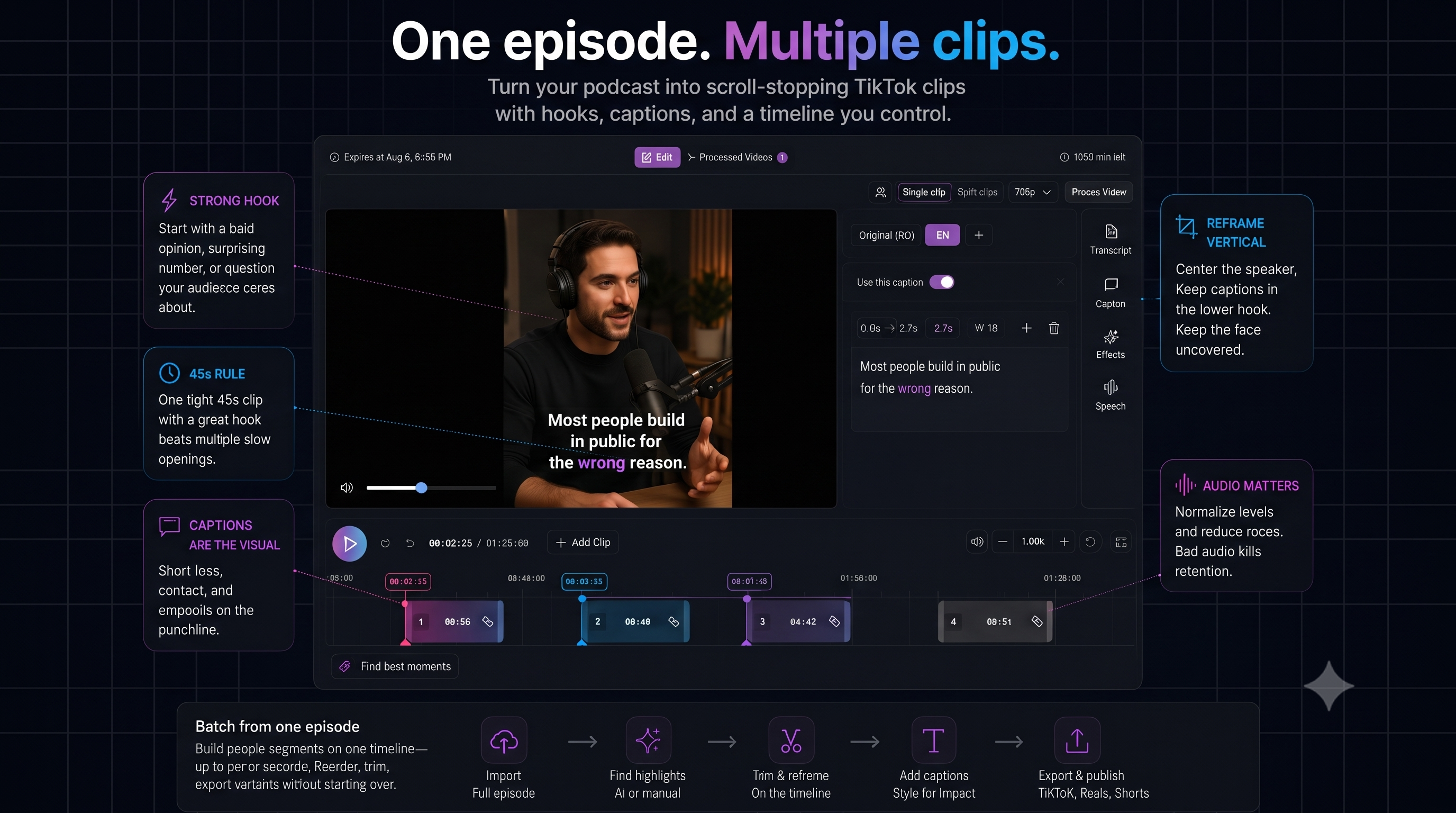
Podcast clips win on one strong moment, not five mid takes with weak openings.
Pick moments with a clear hook
Strong clips usually start with:
- A bold opinion or contrarian take
- A surprising number or story beat
- A question your audience already cares about
Scan the transcript—or AI-ranked highlights—and pull segments where sentence one works alone.
Reframe for talking-head vertical
Center the speaker, keep captions in the lower third, and check that text never covers the face.
Captions are the visual
For audio-first content, captions carry the energy. Use contrast, short lines, and emphasis on the punchline word.
Batch from one episode
Build multiple segments on one timeline—up to ten per source—reorder, trim, export variants for TikTok, Reels, and Shorts without starting a new project each time.
Clip your next episode
AI highlights or manual ranges—then edit, caption, and publish from one project.
See AI clippingRelated: YouTube → TikTok workflow · Podcast use case · Vertical hooks