Article
How to Repurpose a YouTube Video into TikTok Clips
A practical workflow for turning long YouTube videos into TikTok, Reels, and Shorts—with AI suggestions and full timeline control.

Editor workflow & product
Practical guides for repurposing long video into shorts—written by the team building Short Bytes.
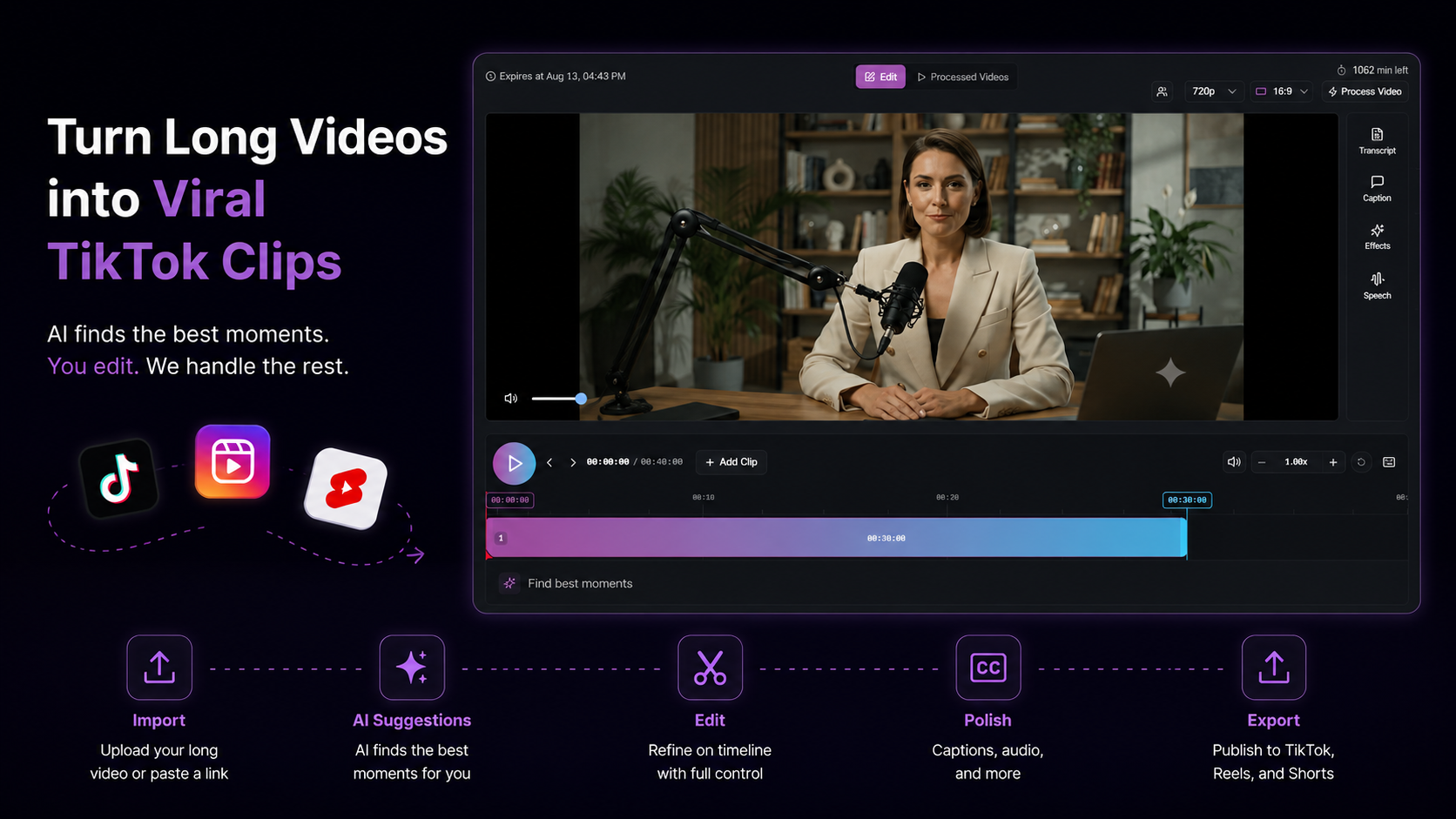
You already have the content. The hard part is finding the hook, framing it vertical, and fixing the first two seconds—without exporting five times.
The 6-step workflow
1. Import the full source
Upload the file or paste a YouTube URL. Always work from the complete video—context matters for podcasts, interviews, and tutorials.
2. Surface highlight moments
Let AI rank segments by clip potential, then pull the best ones onto a timeline. You can also mark ranges manually if you already know the timestamps.
3. Reframe to 9:16
TikTok and Reels are vertical. Use auto-tracking, then nudge the crop when the speaker moves.
4. Edit on a timeline
Trim dead air, reorder segments, fix transitions. This is the step one-click tools skip—and why clips feel random.
5. Captions + audio
Style captions for mobile readability. Clean dialogue, add light music if it fits the pace.
6. Export or publish
Download MP4 or post directly to YouTube, TikTok, and Instagram from the same project. Export credits are shown before render—editing and preview are free to explore.
What to avoid
- Ten weak clips instead of one strong cut
- Re-upload loops across three apps for captions and posting
- Accepting the first AI in/out points without listening to the hook
Run this workflow in Short Bytes
Import long video, refine on a timeline, export or publish—free to explore.
Get started freeNext: Podcast → TikTok workflow · AI clipping feature · YouTube Shorts use case · Vertical hooks